Nemesis uses Hasura to wrap the PostgreSQL backend to easily build a GraphQL and REST API for the structure Nemesis data model. Navigating to the “Help” menu reachable in the bottom left of the Nemesis interface and clicking the /hasura/console/ route link will take you to the Hasura login. Enter the value of the HASURA_ADMIN_SECRET ENV variable to login.

Console

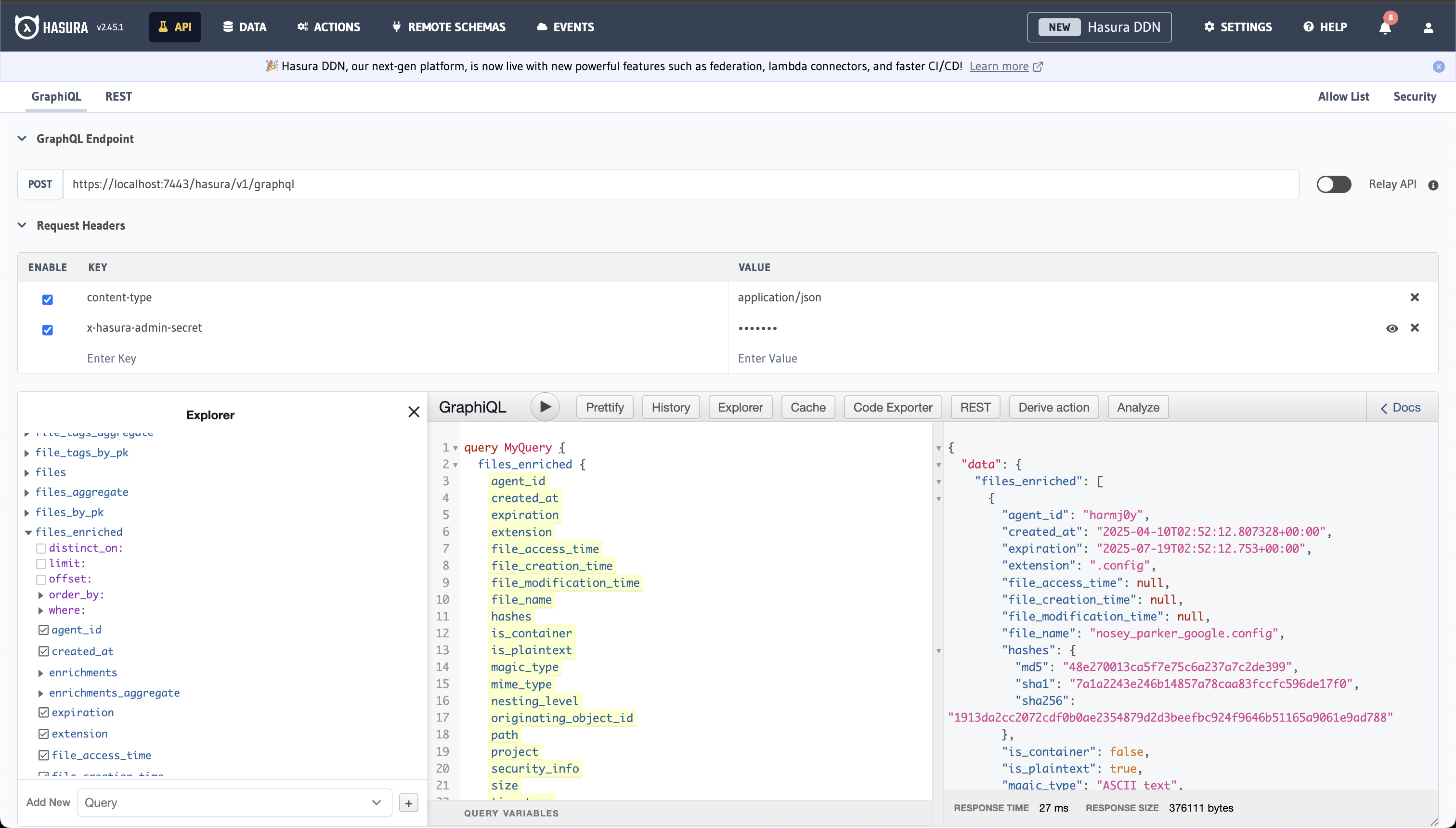
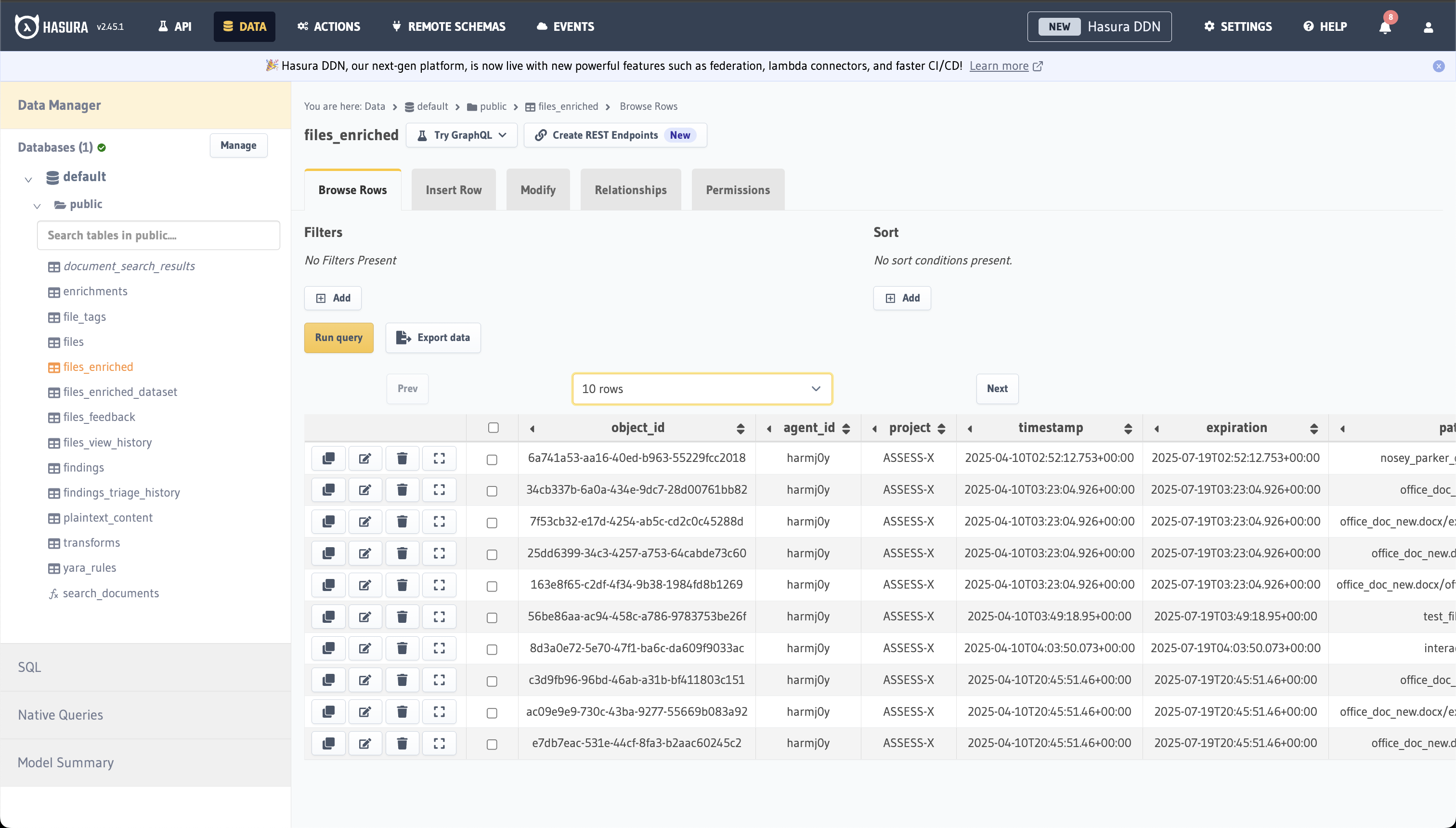
The Hasura console allows you to explore the pre-configured backend data schema, which allows you to explore the schema and query data: Hasura's Console Note: There is a quickstart to Hasura queries here. The “Data” tab on top allows you to query the database in a more traditional manner: Hasura Data
Scripting

Hasura allows for external queries and subscriptions to the backend schema, very similar to Mythic:

Queries

Here is an example of performing a basic query against the Hasura Nemesis endpoint:

Subscriptions

TODO