

Overview
The Jupyter service provides a powerful data analysis environment that allows you to:- Query Nemesis data using Hasura GraphQL
- Perform advanced data analysis and visualization
- Create custom investigations and reports
- Explore file metadata, enrichment results, and security findings
Access
When Nemesis is running, Jupyter is available at: URL:https://your-nemesis-host/jupyter/
Help menu.
Authentication
Environment Variable Password
Use theJUPYTER_PASSWORD value in .env (or ENV variable) to log in. If this value is not set, you can discover the randomized value by running docker compose logs jupyter | grep PASS .
Getting Started
1. Sample Notebooks
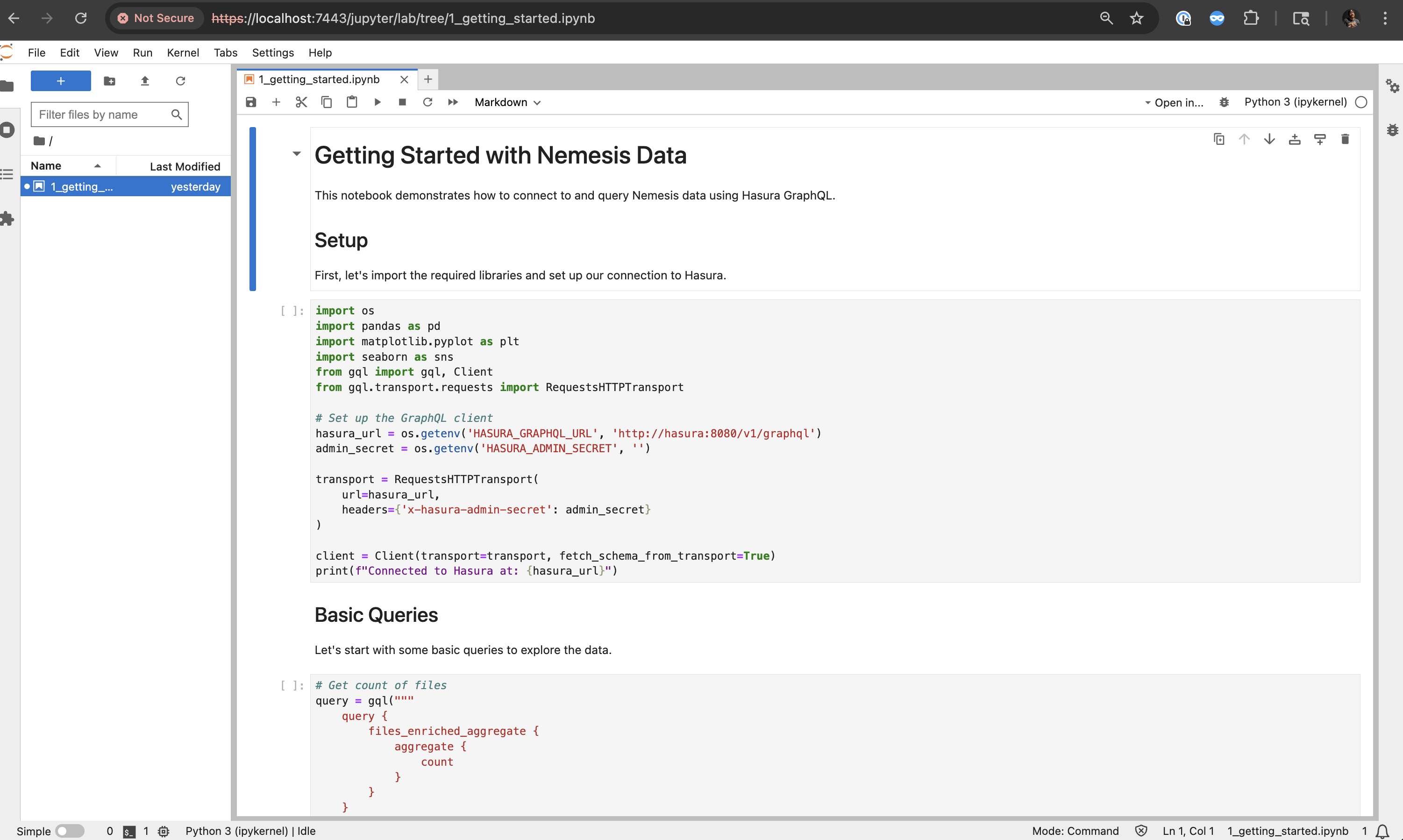
The service comes with pre-configured sample notebooks:1_getting_started.ipynb: Introduction to querying Nemesis data with examples2_triage_false_positive_findings.ipynb: Marking findings with specific criteria as false positives
2. Pre-installed Libraries
The Jupyter environment includes:- Data Analysis: pandas, numpy, matplotlib, seaborn, plotly
- GraphQL Client: gql[requests] for Hasura queries
- Database Access: psycopg2-binary for direct PostgreSQL connections
- Utilities: ipywidgets, python-dotenv
3. Environment Variables
The following environment variables are automatically configured:HASURA_GRAPHQL_URL: GraphQL endpoint (http://hasura:8080/v1/graphql)HASURA_ADMIN_SECRET: Admin secret for Hasura access